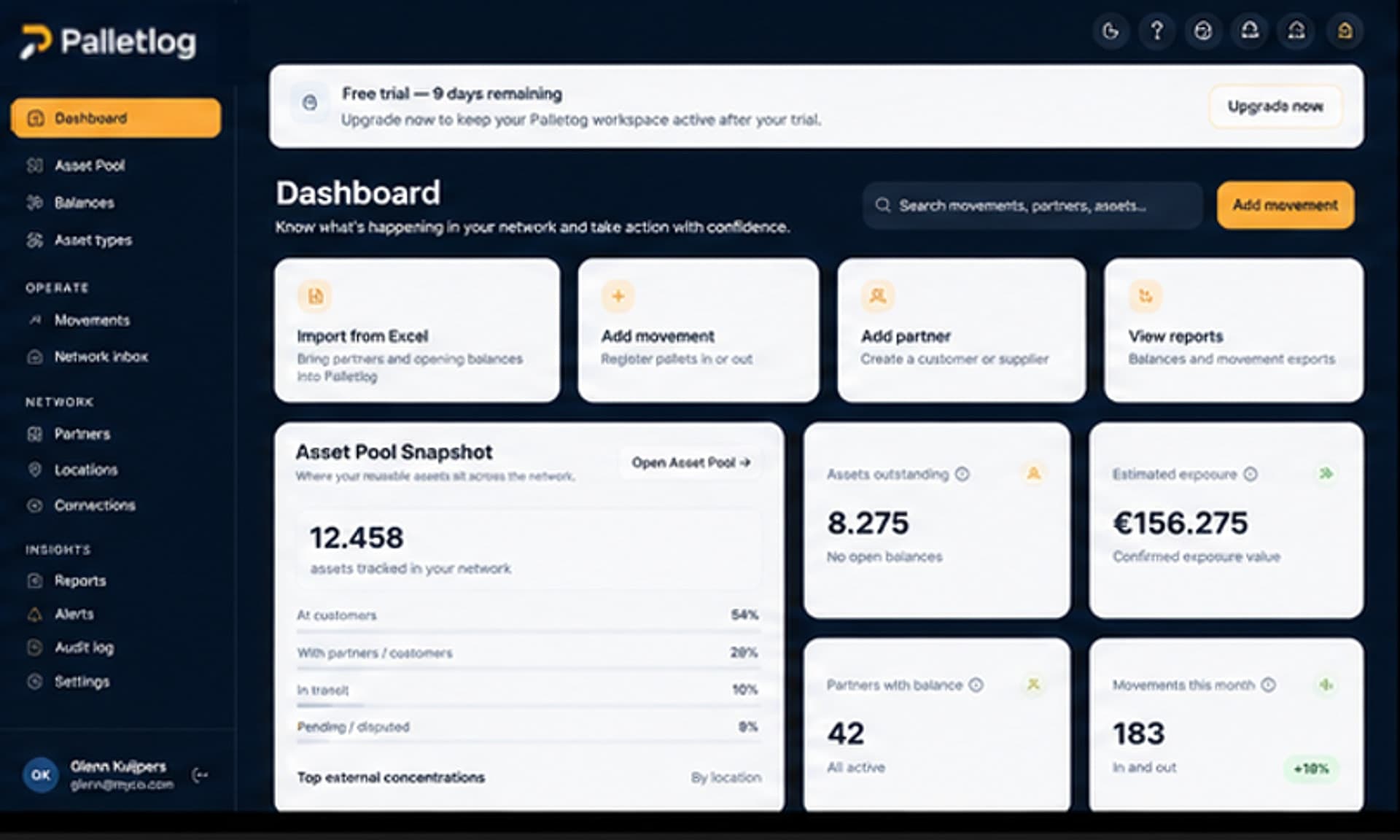
Example system blueprint

AI document processing workflow for logistics

This product pattern combines intake queues, model-assisted extraction, and reviewer tooling so logistics teams move documents from inbox to structured operational data without treating every PDF as a one-off typing exercise.

AI document processing workflow concept interfaceAI workflow
This page describes an example system blueprint by 4RTY—not a client case study, production deployment, or performance claim. Screens, names, and workflows illustrate product patterns we can design and build; they do not represent a specific customer engagement.

Direct answer

What does this AI document workflow blueprint cover?

4RTY can build an AI-assisted pipeline that ingests logistics documents and emails, classifies them, extracts structured fields, and routes validated results into TMS, WMS, or finance systems—with human review on low-confidence output.

  • Multi-channel intake (email, upload, SFTP)
  • Document classification and field extraction
  • Confidence scoring and reviewer queues
  • Write-back to operational systems with audit

Operational problem

Operations teams re-type the same fields from BOLs, delivery notes, customs declarations, and carrier invoices into TMS and WMS screens.

When models run without governance, bad data propagates faster than manual entry ever did.

The blueprint emphasizes human-in-the-loop review, source document retention, and explicit write permissions per document type.

  • Inconsistent document formats per carrier and lane
  • No single queue for “documents waiting for processing”
  • Weak audit when corrections happen only in the TMS UI
  • Email attachments lost outside structured workflows

Users and roles

Document processors and CS handle reviewer queues sorted by confidence, SLA, and lane.

Supervisors define templates per document family and tune extraction rules over time.

IT and integration owners manage credentials, retention, and API write scopes.

  • Processor — review, correct, approve extractions
  • Supervisor — templates, thresholds, workload routing
  • Integration owner — connectors, secrets, monitoring
  • Operations manager — throughput and exception reporting

Core workflows

Intake normalizes files from email mailboxes, portal uploads, and partner SFTP into a single processing queue.

Classification picks document type; extraction runs against approved templates with confidence scores per field.

Reviewers approve, correct, or reject bundles; approved payloads map to TMS shipment updates, WMS receipts, or AP lines.

  • Ingest → classify → extract → score
  • Review → approve → map to target system
  • Exception → request rescan or manual capture
  • Feedback loop → improve templates from corrections

Product modules

Ingestion connectors with virus scan and deduplication.

Template library per document type with field schema versioning.

Reviewer UI with side-by-side PDF and structured fields.

Integration mapper for TMS/WMS/ERP targets and replay-safe writes.

Systems and integrations

Email gateways, object storage, and message buses feed the pipeline. LLM or specialized OCR services run in bounded steps with logging.

Downstream systems receive only approved payloads; rejected documents stay in storage with reason codes.

Observability tracks latency, auto-approval rate, and correction frequency—used internally, not as marketing proof points.

  • Email / M365 / Gmail — intake
  • Object storage — originals and renditions
  • TMS / WMS / ERP — structured write-back
  • Identity — reviewer permissions
  • Monitoring — queues, errors, model version

Data model considerations

Every extraction links to immutable source file hash and model version for audit.

Field-level confidence drives routing; do not collapse to document-level only.

Correction events should feed template tuning without overwriting historical approvals.

Implementation roadmap

Start with one document type and one target system—e.g. delivery notes into TMS milestones.

Add reviewer SLAs and supervisor dashboards before expanding document families.

Introduce email intake and partner SFTP once manual upload path is stable.

Expand write-backs only after reconciliation rules are tested with operations.

  • Single doc type pilot
  • Parallel run with manual entry
  • Define auto-approve thresholds conservatively
  • Measure correction rate—not advertised client savings

सामान्य प्रश्न

Does this blueprint replace our TMS?

No. It feeds structured data into systems you already operate, with review gates before write-back.

How is quality controlled?

Human reviewers approve low-confidence extractions; audit trails retain originals and field-level edits.

कॉन्सेप्ट से प्रोडक्ट तक

अपने संचालन के लिए समान सिस्टम देखें।

ये पेज दिखाते हैं कि 4RTY लॉजिस्टिक्स सॉफ़्टवेयर के बारे में कैसे सोचता है। यदि यहाँ का वर्कफ़्लो आपके जैसा है, तो प्रोडक्शन कोड लिखने से पहले उपयोगकर्ता, सिस्टम और रोलआउट स्कोप मैप कर सकते हैं।